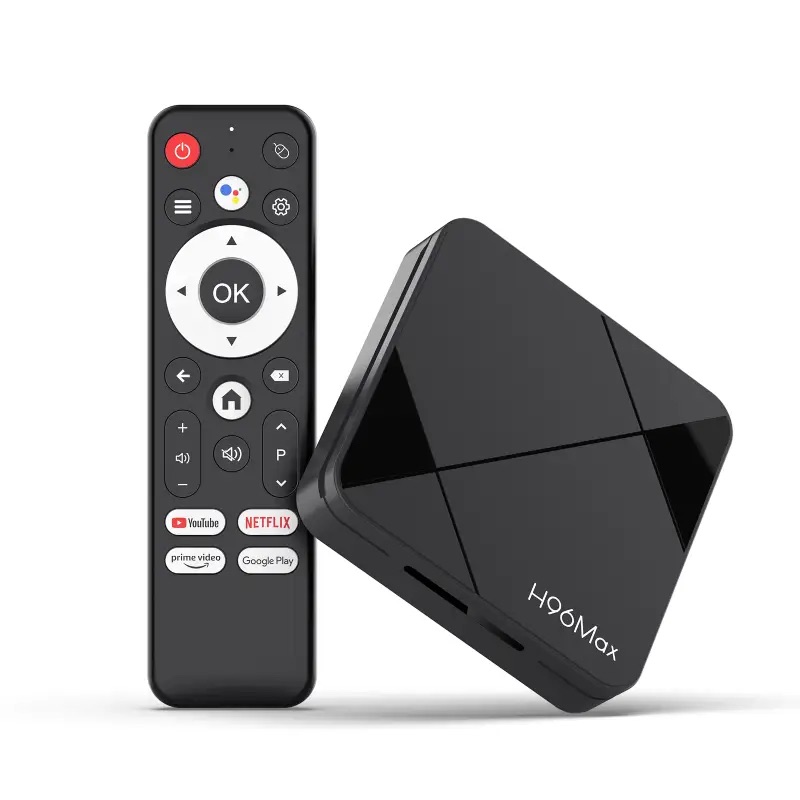
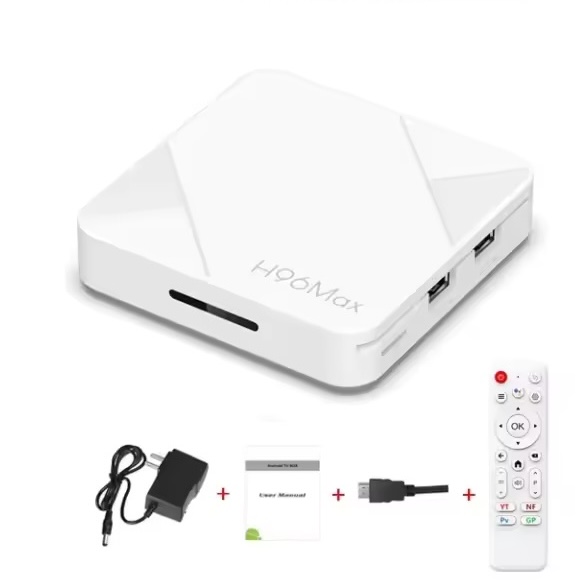
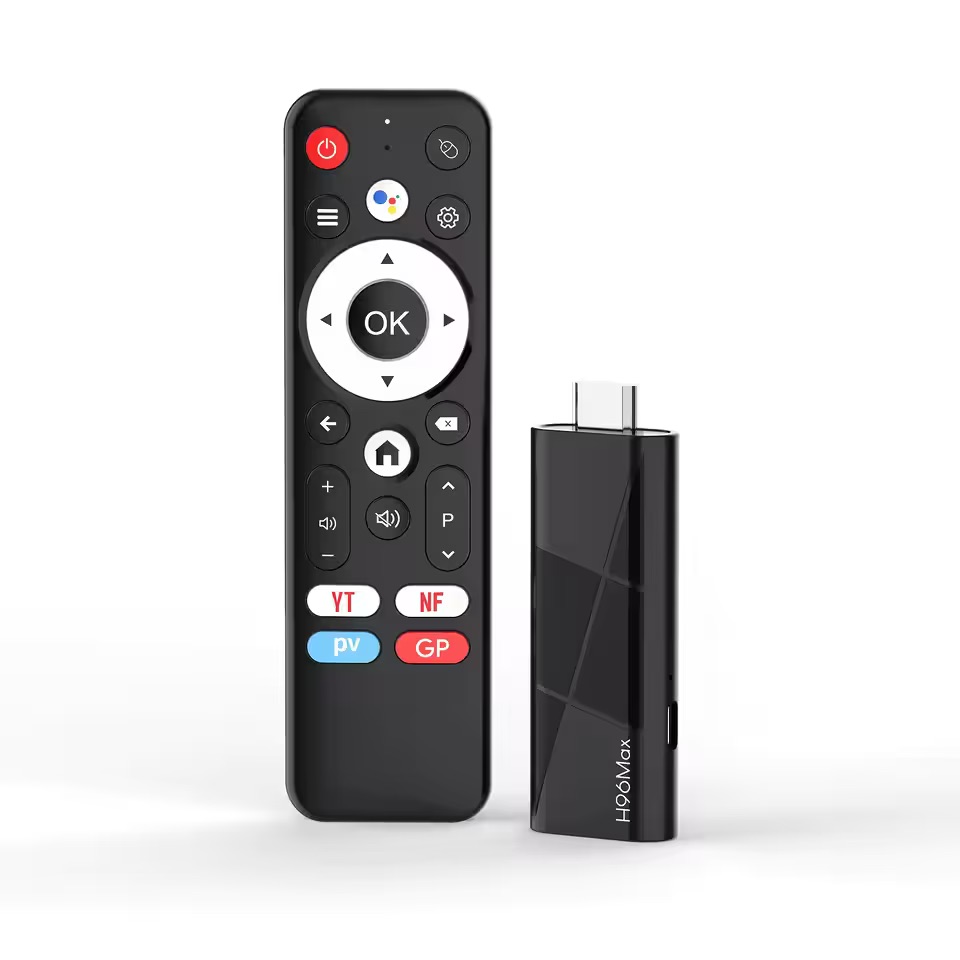
H96 Max 3518
PCB 3518_ZX_V01
RK3518 · 2 GB RAM · 16 GB eMMC
SD · USB-A 3.0 + USB-A 2.0 · LAN 100M · SWT6621S Wi-Fi + BT · HDMI · AV · IR
Linux for TV boxes · Based on Debian
A quad-core ARM chip with a GPU and a 4K video decoder, RAM, eMMC, Wi-Fi, HDMI and a remote: a TV box is a small computer. TVBian runs Debian on it, with the kernel, drivers and firmware each board needs.
~ % ssh root@h96max-3518
 _______   _____ _
|_   _\ \ / / _ |_)__ _ _ _
  | |  \ V /| _ \ / _` | ' \
  |_|   \_/ |___/_\__,_|_||_|
 TVBian for H96 Max 3518 3518_ZX_V01, running Linux 6.1.172-tvb-rk35xx

 Base:         Debian stable (trixie)
 Updates:      Kernel upgrade enabled and 20 packages available for upgrade

 IPv4:         (LAN) 192.168.1.42  (WAN) 198.51.100.42
 IPv6:         (WAN) 2001:db8:4248:5000:fcfd:fcff:fe12:3456

 Load:         8%                Uptime:       4h 1m
 Memory:       12% of 1.44G      CPU temp:     44 °C
 Disk /:       32% of 15G
root@h96max-3518:~#
Latest release2026-11-23
Release notes & downloads01 / Supported hardware
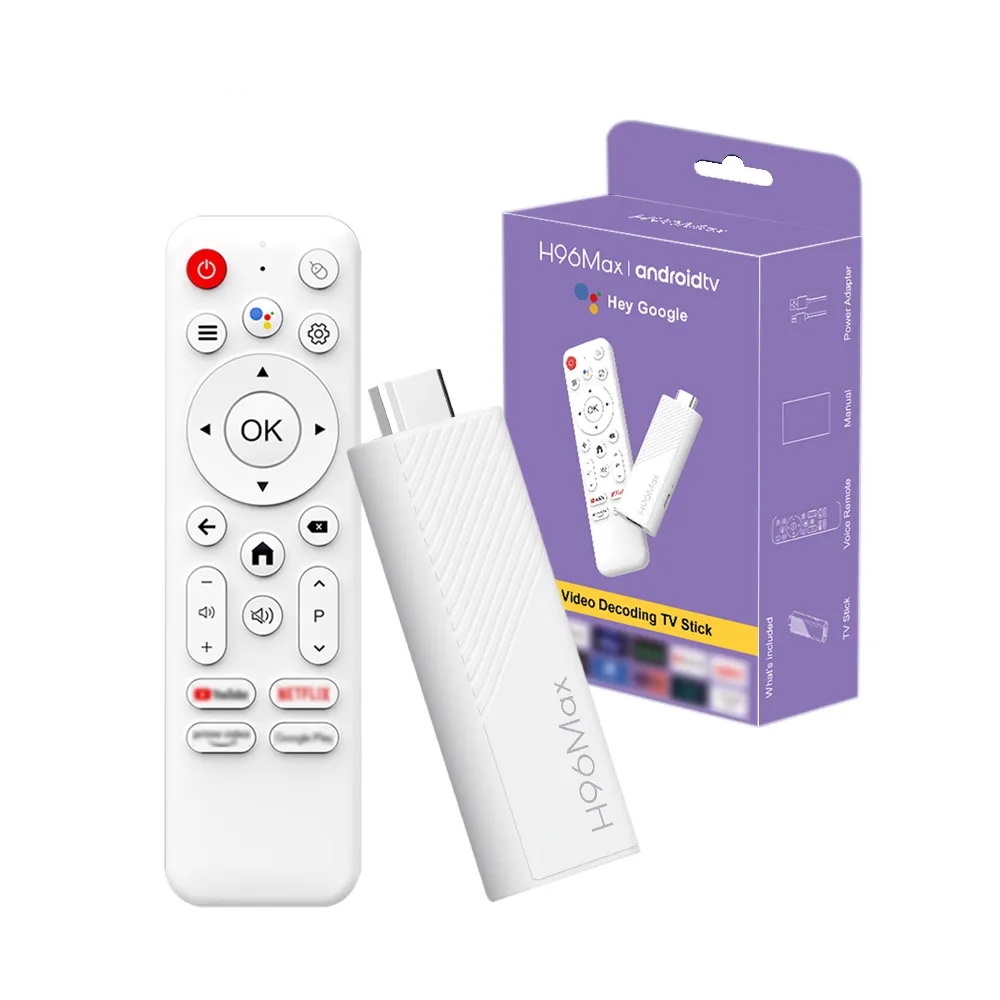
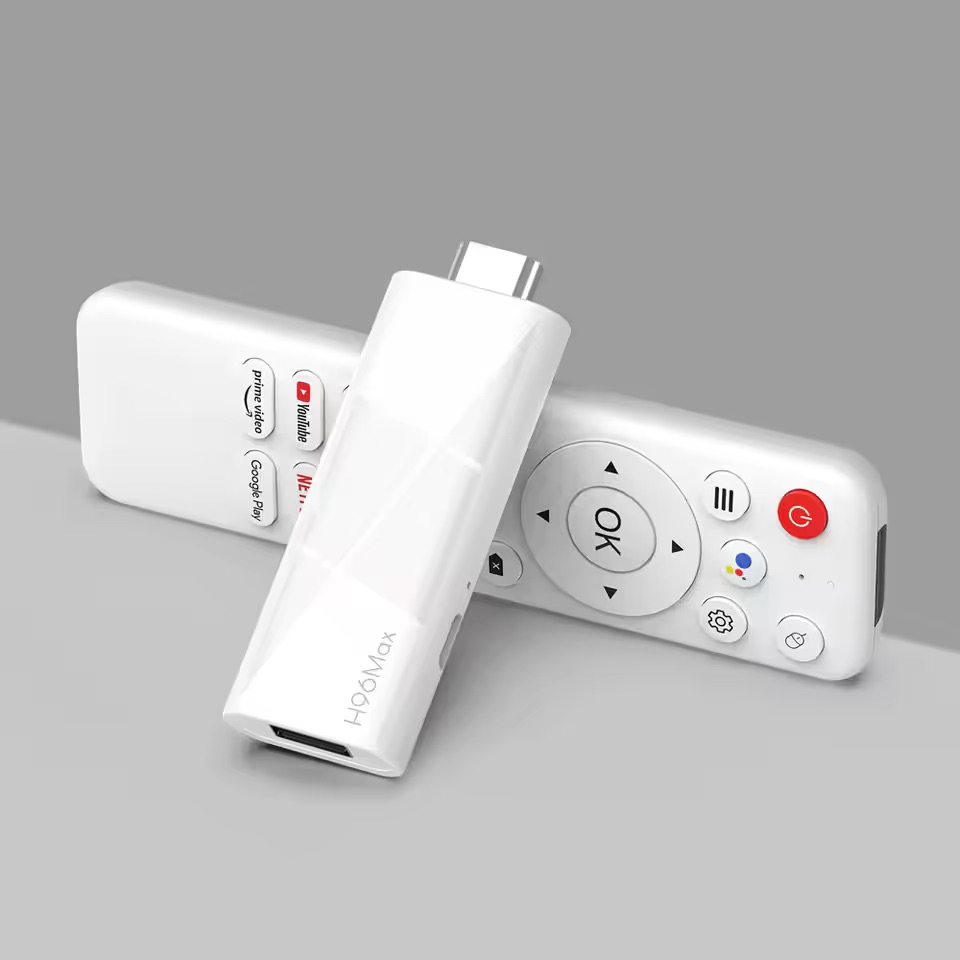
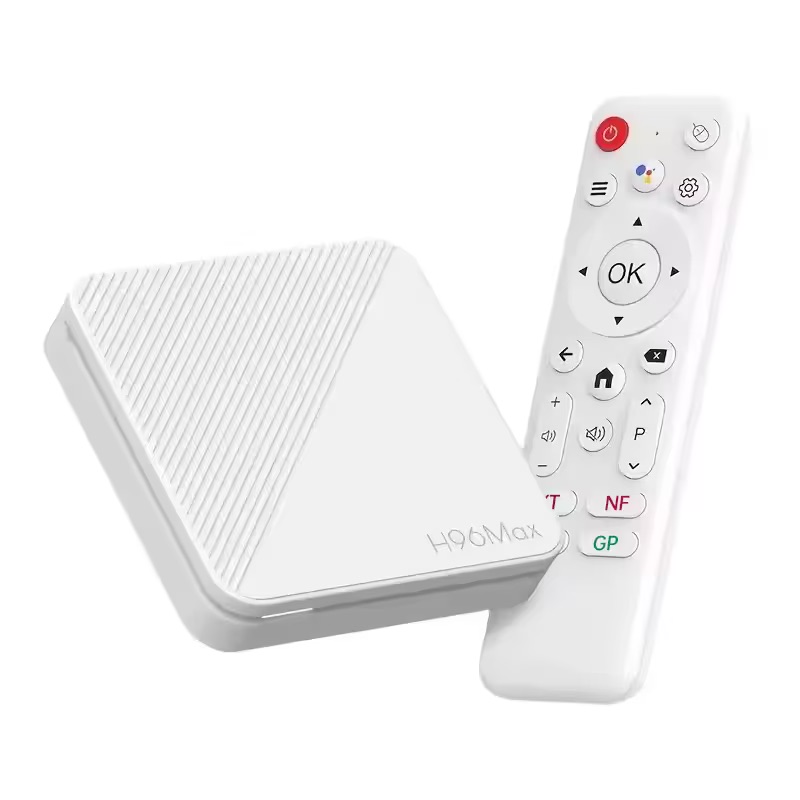
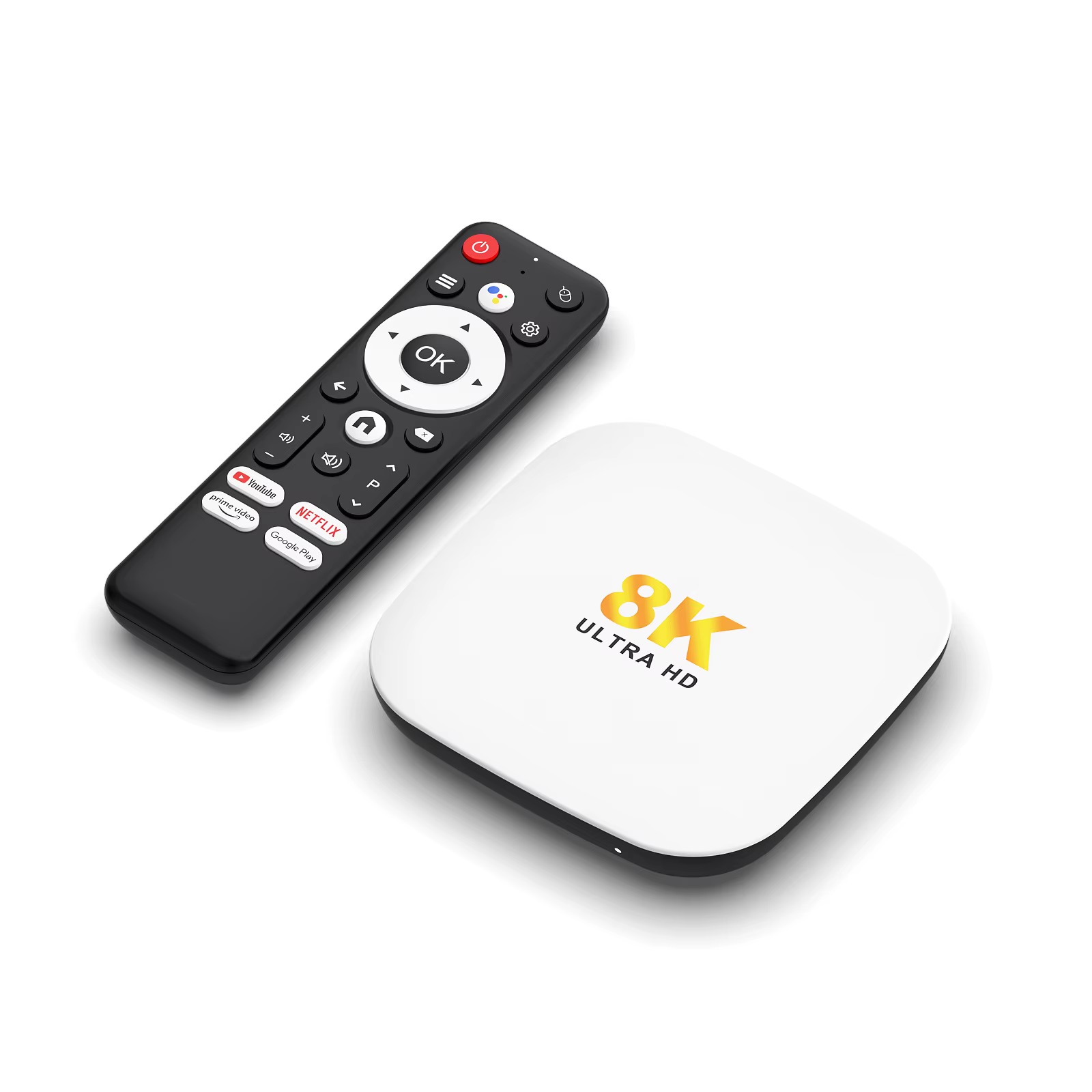
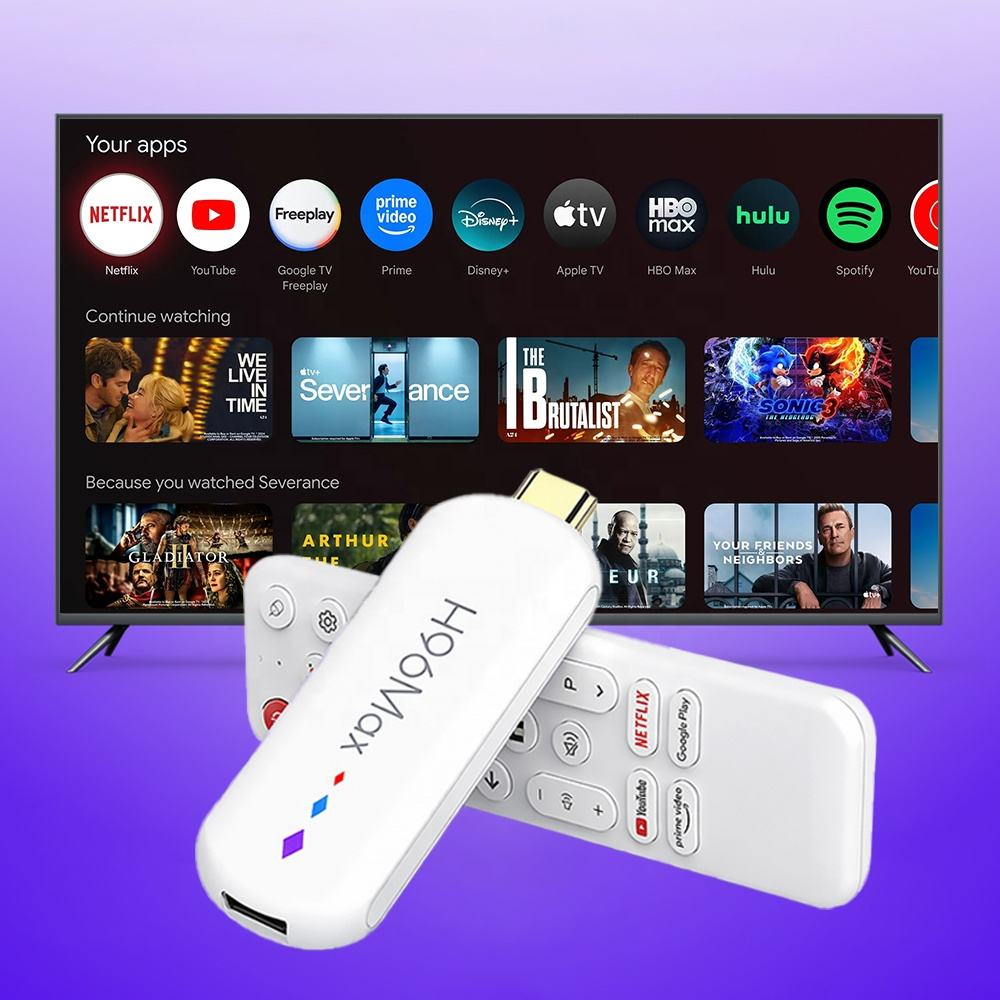
Same case. Surprise motherboard. Box names are creative writing. Open yours: a matching PCB label is the quick check, and the board photos in its report settle it when the label differs.
PCB 3518_ZX_V01
RK3518 · 2 GB RAM · 16 GB eMMC
SD · USB-A 3.0 + USB-A 2.0 · LAN 100M · SWT6621S Wi-Fi + BT · HDMI · AV · IR
PCB 3518_DG_ZX_V01
RK3518 · 2 GB RAM · 16 GB eMMC
no SD · USB-C 2.0 + USB-A 2.0 · no LAN · SWT6621S Wi-Fi + BT · HDMI
PCB BA979_627_V1.0
H313 · 2 GB RAM · 16 GB eMMC
SD · USB-A 2.0 + USB-A 2.0 · LAN 100M · AIC8800D40L Wi-Fi + BLE · HDMI · AV · IR
PCB M2_P_ZX_20250328
RK3528 · 4 GB RAM · 32 GB eMMC
no SD · USB-A 3.0 · LAN 100M · SWT6621S Wi-Fi + BT · HDMI · AV · IR
PCB 905_DG_ZX01_V01
S905L3 · 2 GB RAM · 16 GB eMMC
no SD · USB-C 2.0 + USB-A 2.0 · no LAN · MT7668S Wi-Fi + BT · HDMI
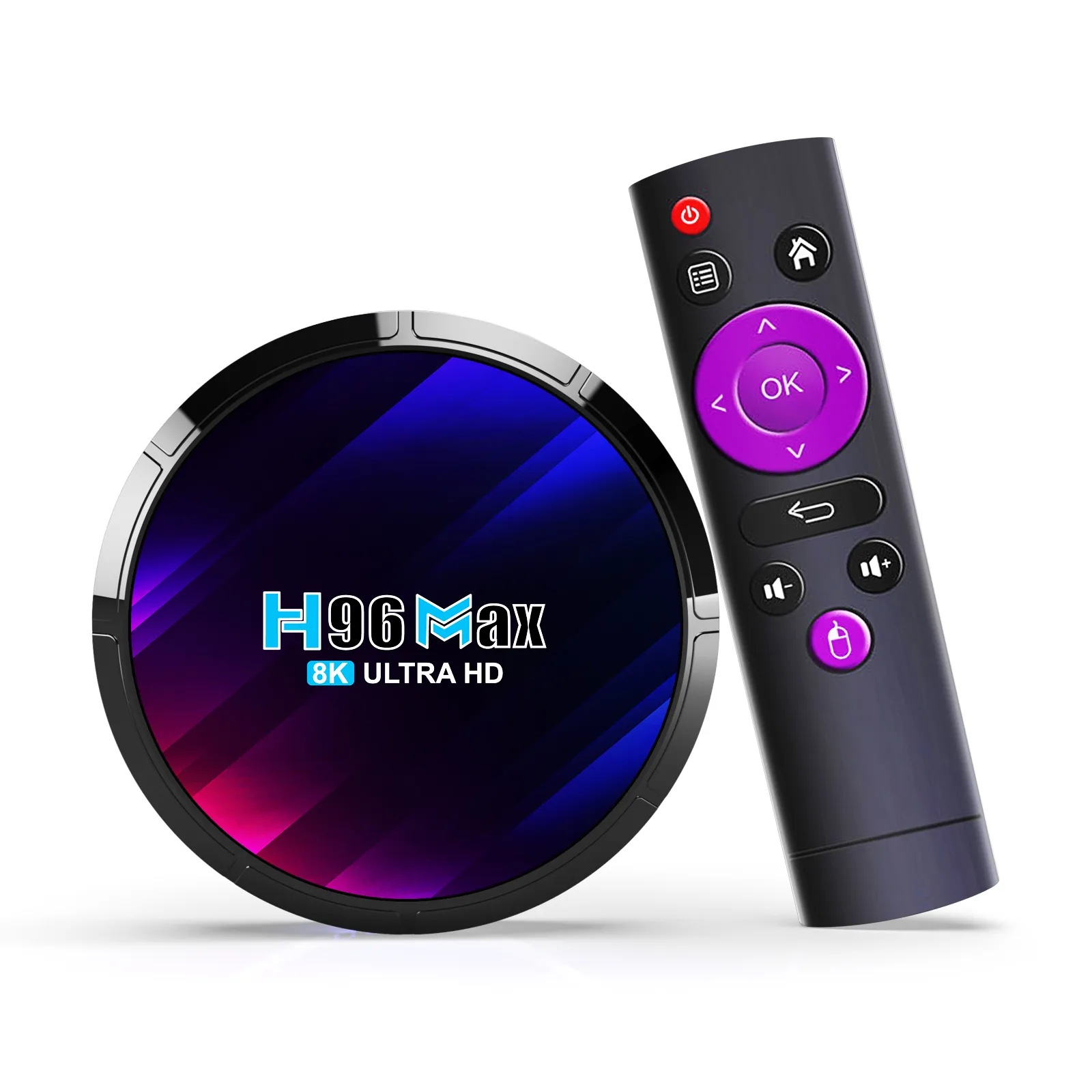
PCB RK3528_DDR3_8X4_V12
RK3528 · 4 GB RAM · 64 GB eMMC
SD · USB-A 3.0 + USB-A 2.0 · LAN 100M · AIC8800D80 Wi-Fi + BT · HDMI · AV · SPDIF · IR · LCD
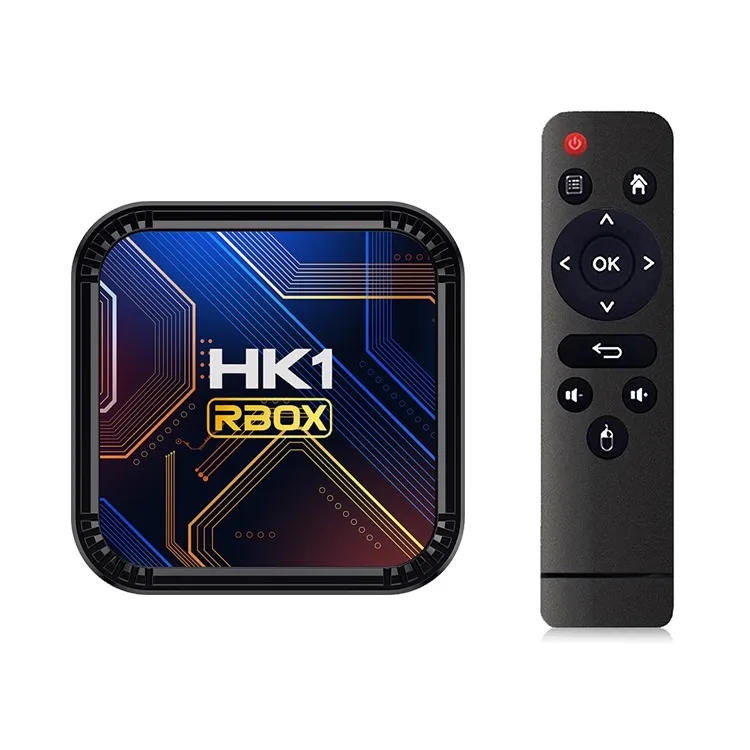
PCB FX-RX3528-D4
RK3528 · 4 GB RAM · 32 GB eMMC
SD · USB-A 3.0 + USB-A 2.0 · LAN 100M · AIC8800D80 Wi-Fi + BT · HDMI · AV · IR · LCD
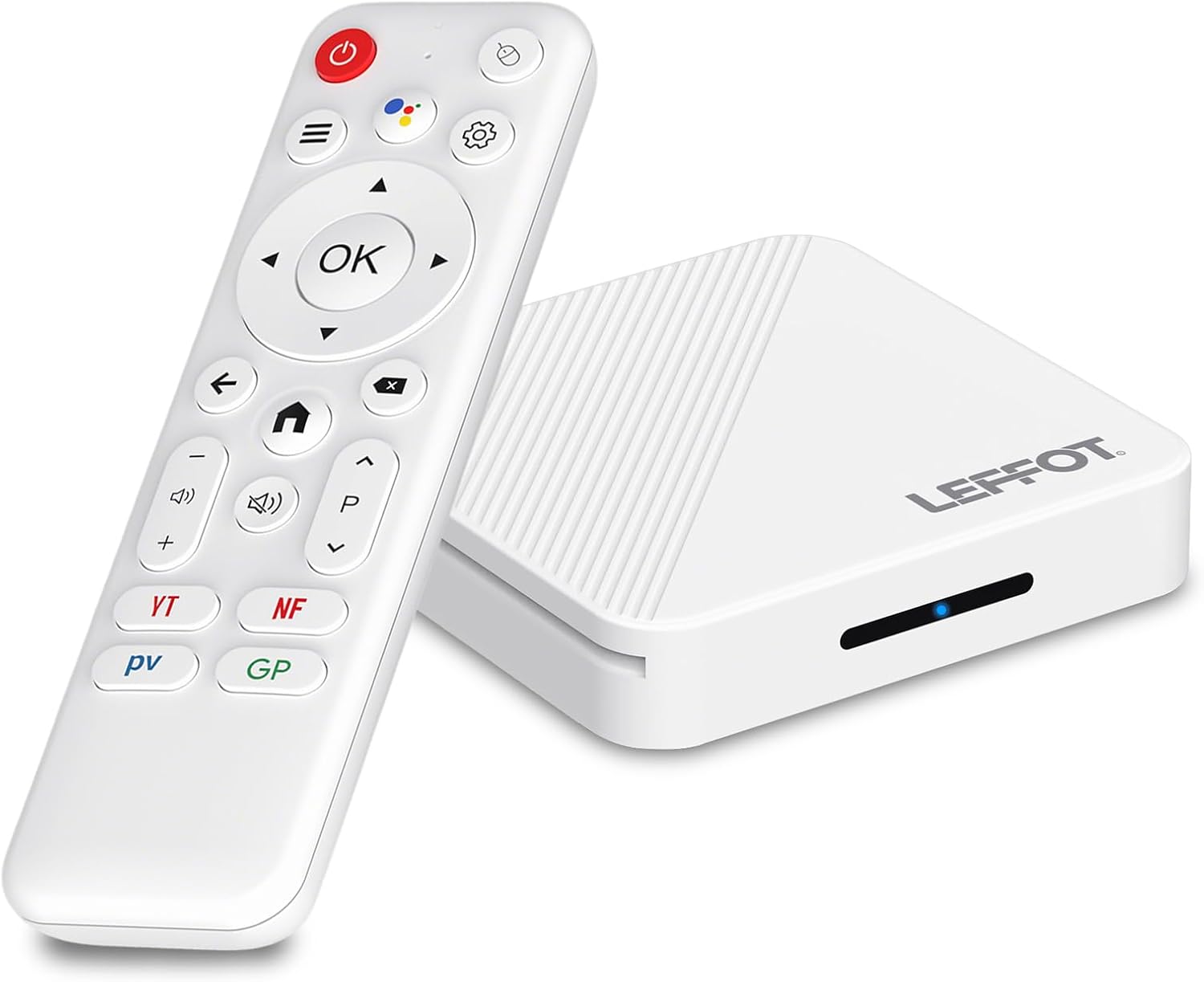
PCB 3518_ZX_V01
ALIAS H96 Max 3518
RK3518 · 2 GB RAM · 16 GB eMMC
SD · USB-A 3.0 + USB-A 2.0 · LAN 100M · SWT6621S Wi-Fi + BT · HDMI · AV · IR
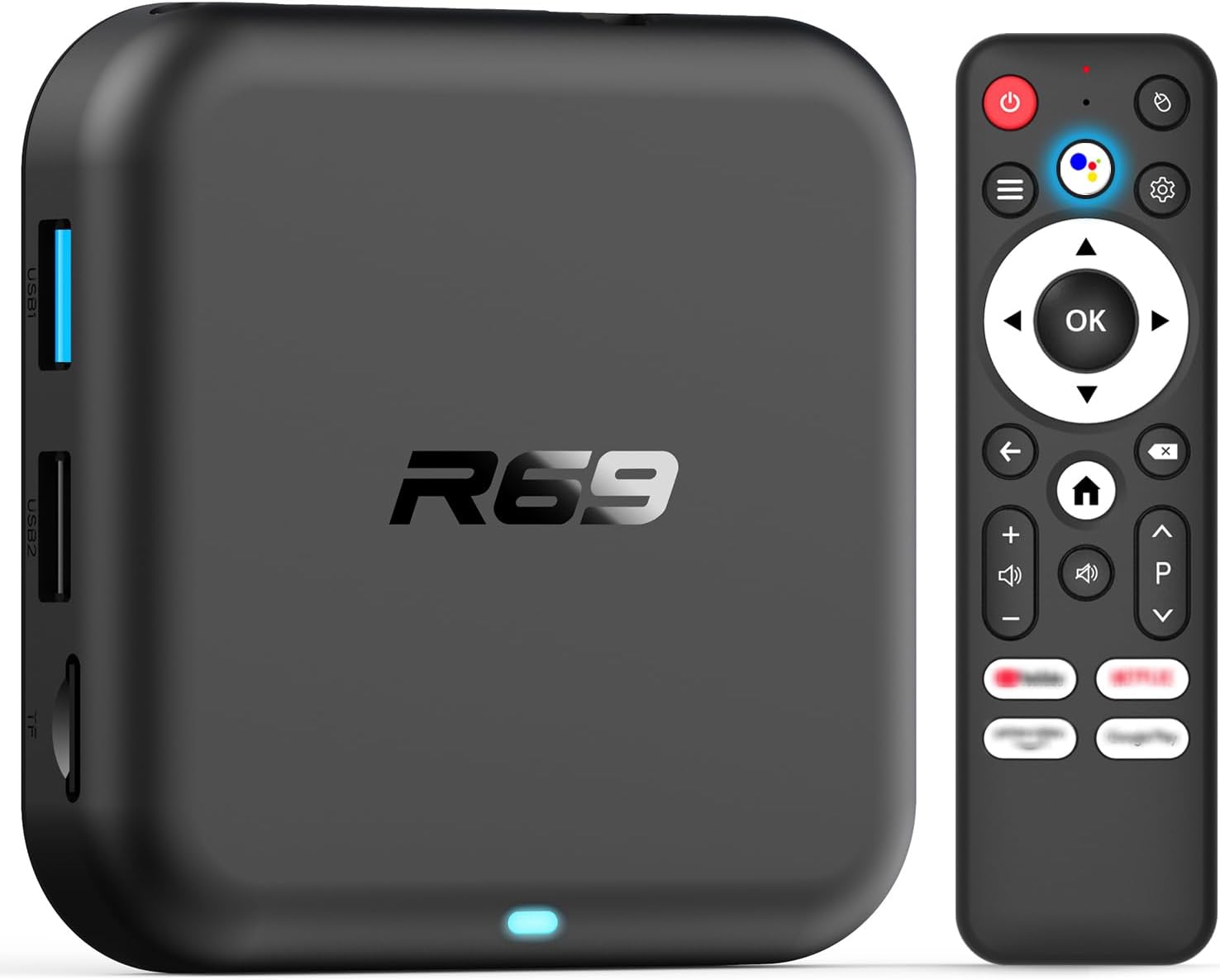
PCB XR821_V1.1
RK3518 · 2 GB RAM · 16 GB eMMC
SD · USB-A 3.0 + USB-A 2.0 · LAN 100M · AIC8800D80 Wi-Fi + BT · HDMI · AV · IR
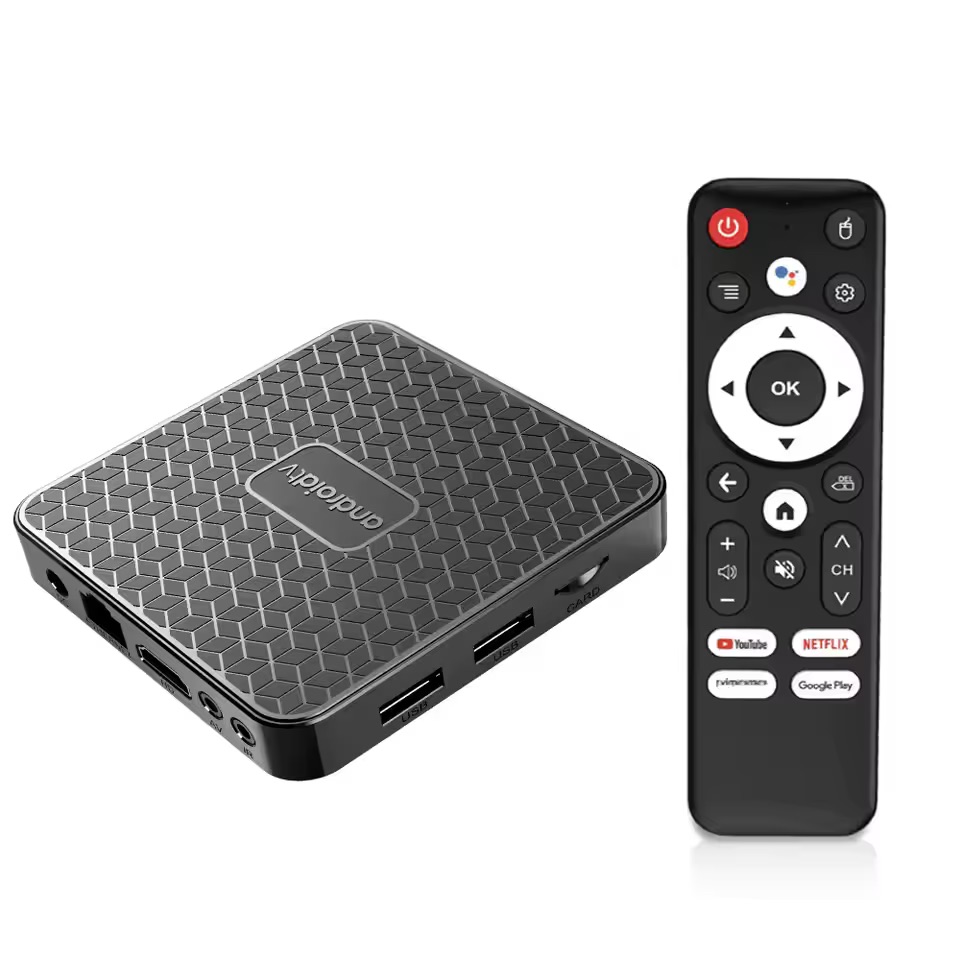
PCB R69MAX V1.1
ALIAS R69-1
RK3518 · 2 GB RAM · 8 GB eMMC
SD · USB-A 3.0 + USB-A 2.0 · LAN 100M · AIC8800D80 Wi-Fi + BT · HDMI · AV · IR
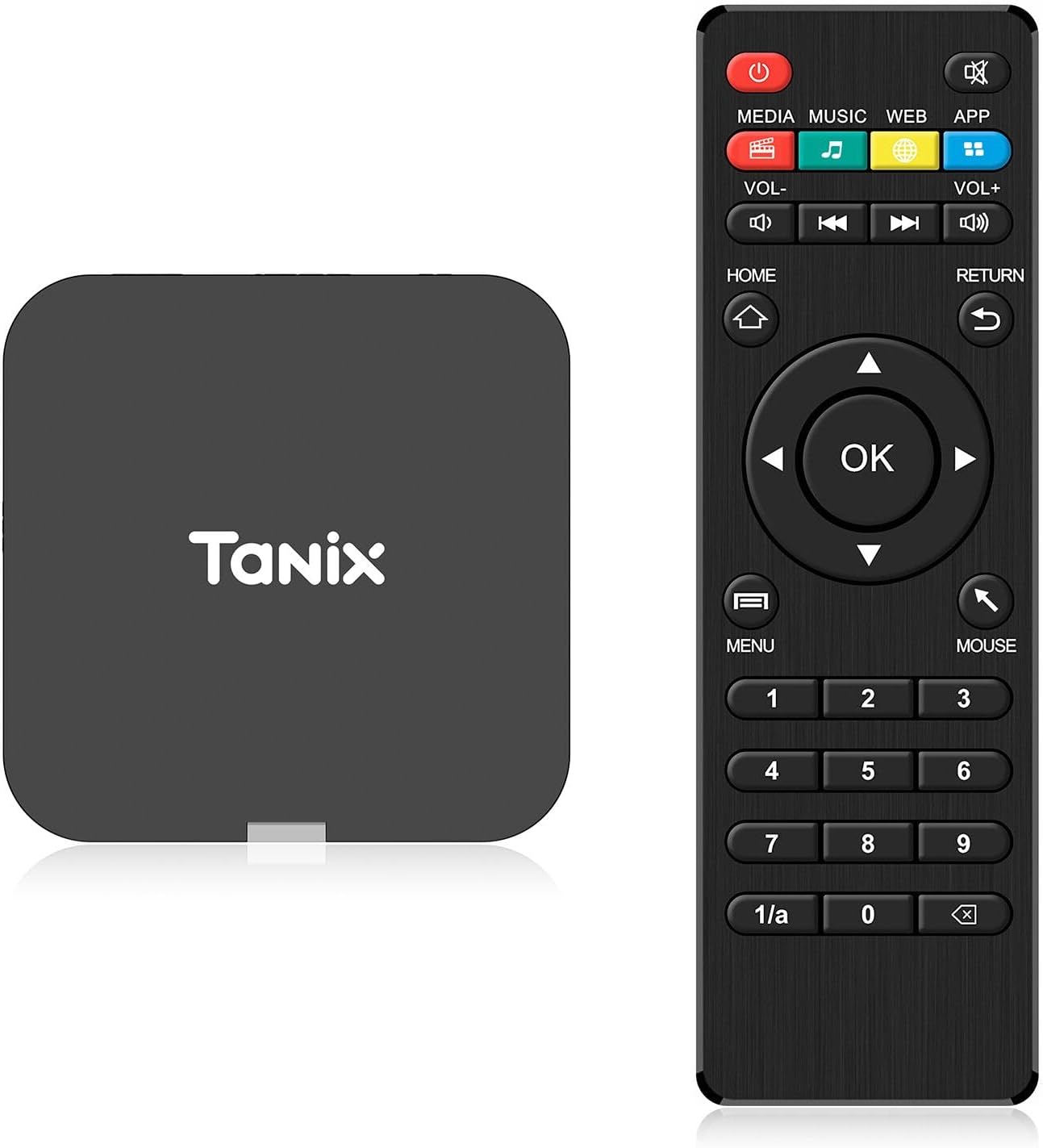
PCB QHZIW_H313_TX1_EMCP_V2.0
H313 · 1.5 GB RAM · 16 GB eMMC
no SD · USB-A 2.0 · no LAN · ATBM6031-X Wi-Fi + BLE · HDMI · AV · IR
RAM and eMMC are what our units carry; yours may differ. A board's name opens its test report, limitations included. Back up Android before installing.
02 / The system
A command-line system based on Debian, with SSH and apt. Install what you need. The base image starts with a login prompt; it has no opinions about what you should watch.
Debian supplies the base. TVBian supplies board configuration, kernels, drivers, and firmware. The test reports include the awkward bits. Optimism is not a driver.
Debian packages and a signed TVBian repository for hardware support. Update with apt; fresh images arrive weekly. Installing everything again is a hobby, not a requirement.
The bar for a finished port
The AI works through the full bring-up procedure and fixes what it can. “It boots” is excellent news. There is still an entire computer attached to it.
RAM, storage, physical ports, heat under load, reboots, suspend, and wake.
Ethernet, Wi-Fi, Bluetooth, audio, the remote, buttons, and LEDs.
Each hardware decoder and encoder: codecs, profiles, bit depths, sizes, and output checked against software.
3D rendering off-screen and on-screen, with the full graphics benchmark suite.
HDMI modes and refresh rates, HDR, hardware tone mapping, scaling, and multiple planes composing video and the interface.
Real video from decoder to screen, sustained frame rates, clean logs, and a few days of daily use.
Best effort. Honest results. The aim is hardware you can use straight after installation. We support a current kernel and an opt-in next kernel series. A finished bring-up records every check on both. What works, what's degraded, and what's broken goes in the board's test report, with the remaining gaps and limits spelled out.
03 / Make it better
Plug in cables, press buttons, and check the screen. The procedure tells you what to do. Your ability to hold a toothpick is finally a project dependency.
An AI coding agent inspects the factory firmware, builds, tests, and keeps the logs. It follows the full bring-up procedure through to the hardware checks. Someone has to read all those boot logs, and it volunteered.
AI reviews the structure, hardware changes, and complete test report. Claims need results. Factory-derived trees can look factory-derived. This is a hardware project, not a device-tree calligraphy contest.
Known families and chips reuse shared support. New chips can need driver work.
Ways to help
From “I own a toothpick” to “I read datasheets for fun”. Every level ships boxes.
Decompile the shipped tree, patch what needs changing, and keep the evidence. You bought a TV box, not the company that designed it. Reconstructing the manufacturer's source tree is not your new unpaid job.
Read the bring-up guideBoard files, patches, and evidence arrive together here. No prerequisite PR relay across five repositories. You are adding a box, not applying for a mortgage. Shared fixes go upstream separately.
Pull requestsGot an unsupported box in a drawer, still on its stock Android? Give it a second career in development. Send the model and board details. The drawer will manage without it.
Offer hardwarePhotograph the box, its label and both sides of the board, and send them with the model; a stock dump or the vendor's firmware helps where there is one. That is enough for a blind bring-up; when the image arrives, you are the one who tests it. Your box stays home; its secrets travel.
Share board dataTest an update and report what works. Include the exact board and image. “It did a weird thing” is a promising opening sentence; we will need the rest of the story.
Report test results04 / Contact
GitHub for the work. Email for the logistics.
Bring-up questions, bugs, and test results belong in GitHub Issues. Send patches as pull requests, so the work stays public and searchable.
For hardware donations, email the model and board details. We can arrange its second career from there. Keeping it? Its stock dump and board photos, in an issue naming the board, help almost as much.
admin@tvbian.comSponsor development, fund test hardware, or discuss sponsored purchase links and commercial enquiries. The electricity company remains unmoved by our GitHub stars.
sales@tvbian.com05 / Credits
Where this project comes from.
The system every box runs, and the base of hundreds of distributions: the gold standard.
debian.orgA distribution for boards, run by its community; its process does not scale to the hundreds of TV boxes.
armbian.comArmbian for hundreds of TV boxes, proof they are worth running Linux on.
ophub/amlogic-s9xxx-armbianA small README that brought up the first RK3518 box, and where this project started.
juliovendramini/rk3518_armbian